
Simplify Your Painting References in Seconds
Upload any photo and instantly see simplified value shapes—so you can paint with clarity, calm, and confidence.
Get Access — $37Secure checkout via Teachable • Opens as a full-screen tool on phone or desktop
On a laptop: click the Download button, then right-click the preview image to save it to your photos.
See the shapes. Paint with confidence.
Example 1 — Strong Value Masses

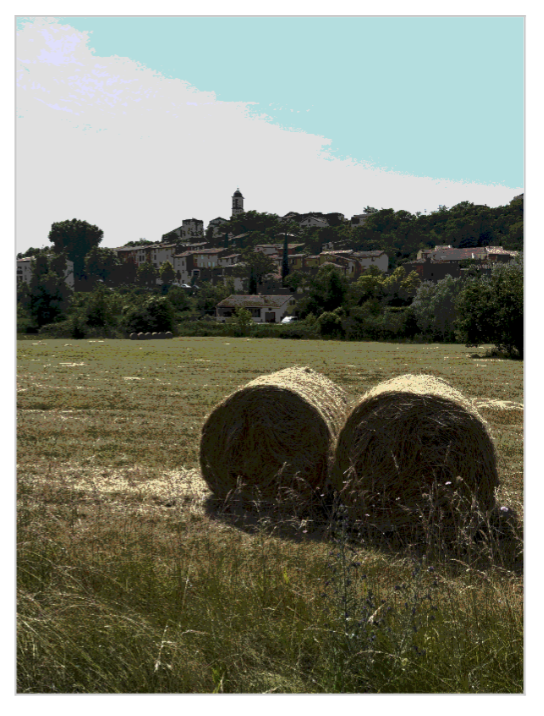
Example 2 — Light & Shadow Structure


Tip: Download with or without a grid. See your image as a 3 or 6 value notan.
What you get
- Access to the Simplifier Studio Tool
- Printable PDF checklist
- Short video walkthroughs
- One Year access
- Color Mapping Plan Lesson
- Posterized to Painted Sketch Lesson
Great for
- Painters choosing better reference photos
- Artists learning to group values into clear masses
- Anyone overwhelmed by “too much detail”
- Beginners and experienced painters alike
How it works
1) Upload
Choose any photo from your phone or computer.
2) Simplify
Adjust value levels and toggle notan to reveal the big shapes.
3) Save
Use the Download button to save your simplified reference.
Unlock the Simplifier Tool — $37
Optional: After checkout, you’ll have a chance to add Curate—my reference-selection system—for deeper guidance on choosing photos that paint well.